A difficult word can trigger hesitation before decoding even begins. The surprising variable often involves control, not difficulty. When a child chooses when a sound plays, the child changes the task from a one-way listening exercise into a controllable feedback loop.
Sound buttons can attach a physical decision to a phoneme, syllable, or word segment. That small decision-the tap, listen, try- resets the timing of the attempt without adult intervention. The child initiates the cue, hears the result, and decides whether another attempt makes sense. Audio therefore can reduce the social weight of an error without lowering the linguistic demand of the word.

Does Sound Design Keep Difficult Words Intact?
Good sound design preserves the linguistic target instead of decorating it. Phoneme buttons should use clean recordings, stable loudness, short attack times, and minimal effects. Heavy reverb, comic voices, abrupt volume jumps, and musical stingers can make a button entertaining while weakening phoneme clarity.
The strongest setup separates learning cues from reward sounds. A phoneme button should reproduce only the target sound, nothing decorative that could blur the child’s discrimination task. A separate completion cue can provide a brief auditory marker after the child finishes a task. Keeping the two sounds distinct also protects repeated use, since children stop tuning out a reward chime mixed into the learning cue.
How Do Sound Buttons Give Children Control on Difficult Words?
Sound buttons give children control over difficult words by connecting an intentional action with an immediate auditory consequence. When teaching tough words, teachers can turn to SoundButtonsLab.com, a browser-based sound library that provides categorized audio triggers to support children with repeated listening without requiring another person to supply every cue. The child chooses the moment of playback rather than waiting for an adult to intervene.
Control matters because decoding already requires several decisions. A child identifies graphemes, retrieves sound values, blends phonemes, and checks the resulting word. A sound button adds one more motor choice, but the choice can reduce uncertainty when the interface stays predictable.
The National Reading Panel examined 1,373 potentially relevant phonics studies and retained 38 studies for its final phonics analysis, producing 66 treatment-control comparisons. The finding doesn’t prove that soundboards independently improve decoding. It does establish why structured sound access fits a broader evidence base around explicit sound-symbol instruction.
Why Does User Control Change the Sound Feedback Loop?
A soundboard changes the timing of feedback. Traditional correction often follows the attempt, which can make an incorrect word feel like a public event. A button lets the learner request another auditory cue before asking another person for help.
Motor action creates a distinct sequence: the child selects a sound, the interface plays the cue, and the child attempts the target word. That sequence gives the learner control over when feedback enters the task.
Predictable Cues Reduce Decision Noise
Predictable sound buttons reduce decision noise by keeping one trigger attached to one defined cue. A button labeled sh should reproduce /ʃ/ consistently rather than alternate between speech, music, and unrelated effects.
The design choice matters because phonemic awareness, the ability to hear and tell sounds apart, depends on accurate discrimination. A noisy interface forces attention toward the interface instead of the target sound. Short clips also reduce the time between selection and auditory feedback.
Repetition Works Better When Choice Controls Timing
Repetition works best when the learner, not the app or the adult, decides a cue is worth hearing again. A child who misses a consonant cluster can replay that cluster immediately rather than wait through a full correction cycle.
That timing can support productive persistence without turning every mistake into an adult-led interruption. The soundboard doesn’t remove the difficulty; it just changes who controls the next attempt.
Does Novelty Make Soundboards Less Useful?
A common assumption holds that bigger, funnier, or louder clips create stronger participation. Novelty can attract attention, but novelty doesn’t automatically support decoding. A dramatic clip can compete with the phoneme that the child needs to hear. The better target is controlled variation: keep the cue itself stable, and let only the child’s choice to play it vary. The child can choose the cue, while the cue itself remains stable. That combination separates agency from distraction.
The same principle explains why meme-style soundboards can lose value during phonics practice. Meme culture rewards surprise, contrast, exaggeration, and rapid switching. Phonics practice rewards accurate discrimination and repeatable mappings. The Institute of Education Sciences recommends systematic, explicit phonics instruction that teaches letter–sound correspondences in a carefully ordered sequence. The two systems can coexist, but the phoneme layer needs tighter technical rules.
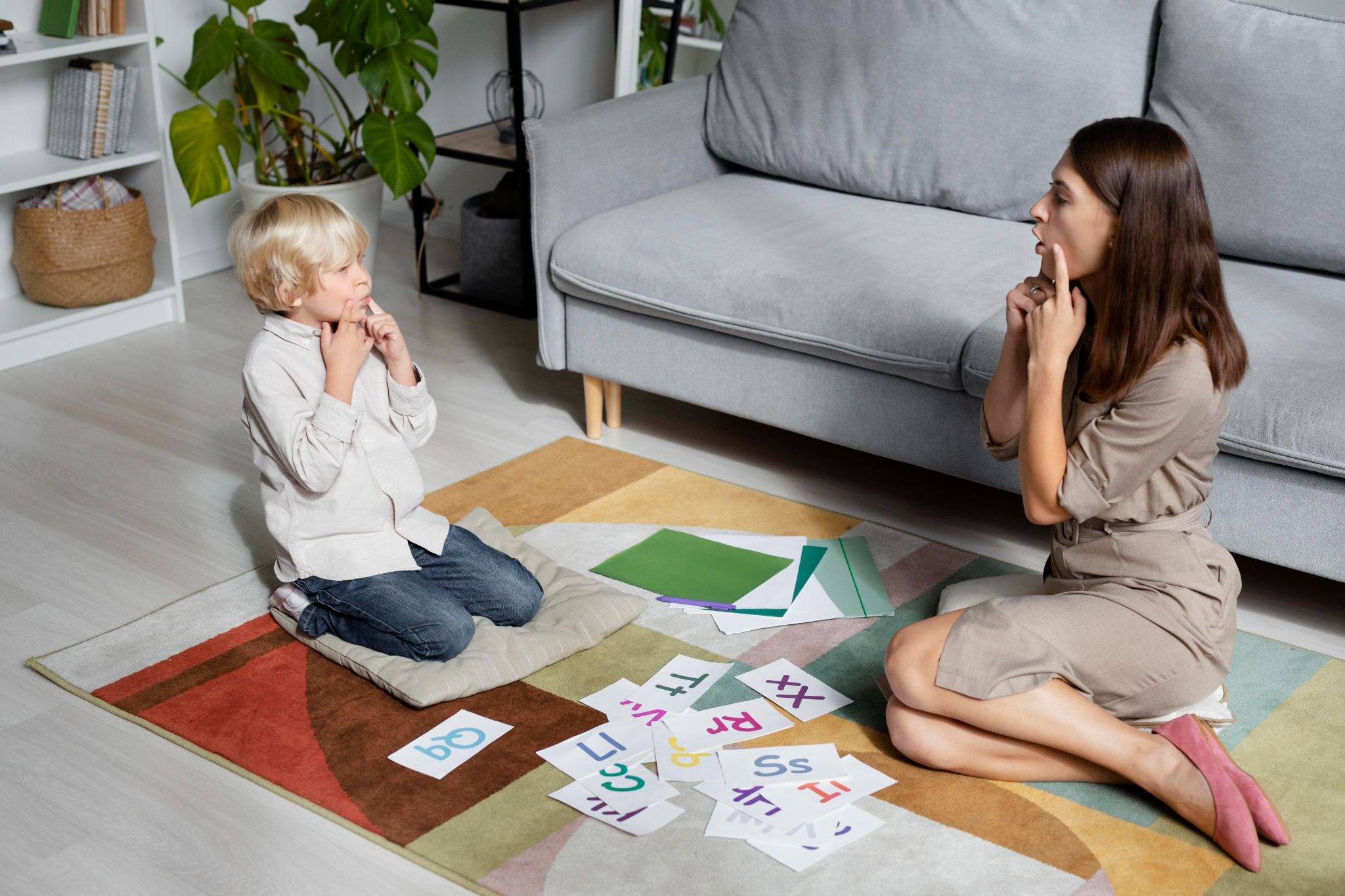
Should Sound Buttons Target the Hardest Point?
A useful soundboard targets the exact location where decoding breaks down. Whole-word playback can help confirm pronunciation, but segment-level playback gives more diagnostic value.
Isolate the Problem Sound
A phoneme button isolates the sound that blocks the attempt. For a word containing th, the interface can provide /θ/ or /ð/ according to the target word rather than playing the entire word every time.
A cluster button can handle sequences such as str when the child blends the opening incorrectly. The button should reproduce that exact blend, /str/, without extra flourishes that could mask the sequence.
Keep Button Placement Stable
Stable placement reduces visual searching. A phoneme category should retain the same location across sessions, while labels should remain short enough for rapid recognition.
Creators can separate consonants, vowels, blends, and digraphs into distinct visual groups. That organization lets the learner select a sound without turning every attempt into a search exercise. For learners who practice away from a desktop, the mobile app gives the same sound-focused interaction on the go.
Add Control Before Adding More Audio
More clips rarely solve poor interaction design. A small set of reliable cues can produce a cleaner learning loop than dozens of novelty effects.
A practical setup can start with the difficult phonemes appearing in the target vocabulary. Additional sounds can enter later when the child demonstrates a real decoding need.
Be the first to comment